
Flatsome Layouts

For this first challenge we want to create a hero with a large graphic to the right. Focus on getting the image to fit well on all screens while also getting the left aligned text to stay lined up (or close to it) with the logo. Center the text column (the column, not the text) on tablet (10 width). 

Click me
Images + Gradients

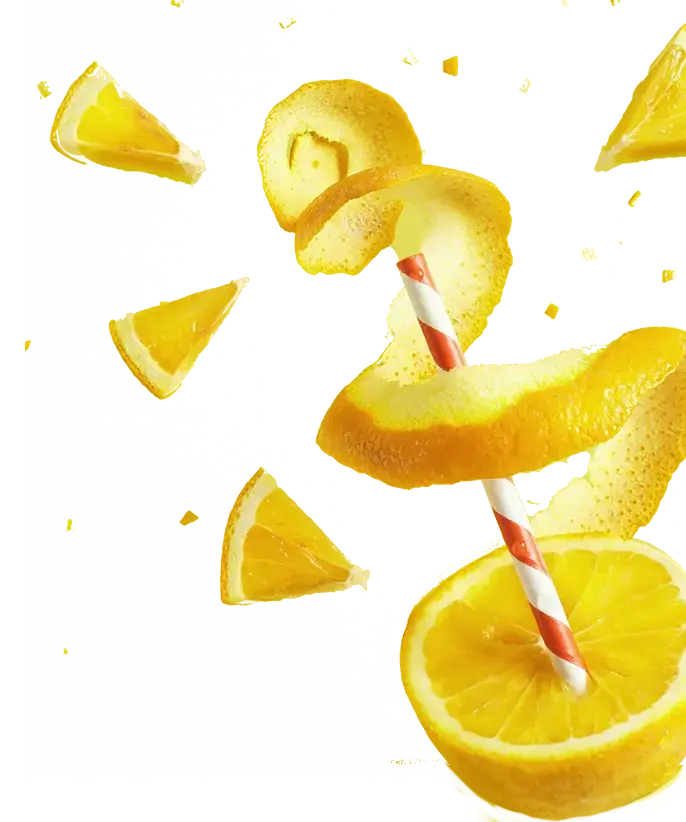
Use the fill class and the show radius classes to size this image. Add the lemon logo behind the top left hand corner of the image using custom css. Use Flatsome to do as much of the work as possible. Make sure it’s mobile friendly. 

Make the buttons on this page gradients. Gradient code:
background: rgb(76,115,252);
background: linear-gradient(270deg, rgba(76,115,252,1) 0%, rgba(118,194,208,1) 100%);

Click me

Fixing the spacing
on this title and section

For this challenge, use a breakpoint to arrange the title text, but take it off on mobile. Remove any padding from the column to make the section look more even. Center the section (not the text) on mobile.

Click me!

Super Menu

If time allows, recreate the trainings super menu. Add a button and center the two menu options.