Using Before / After + Positioning
Note that you should not need to touch the builder / html for these exercises.


Note that you should not need to touch the builder / html for these exercises.
CHALLENGE 1
Use a before or after element to add an underline to this link. Animate the underline on hover. The class on the link is “underline-link.” The blue color is #0974b2 and the green hover color is #64b730:
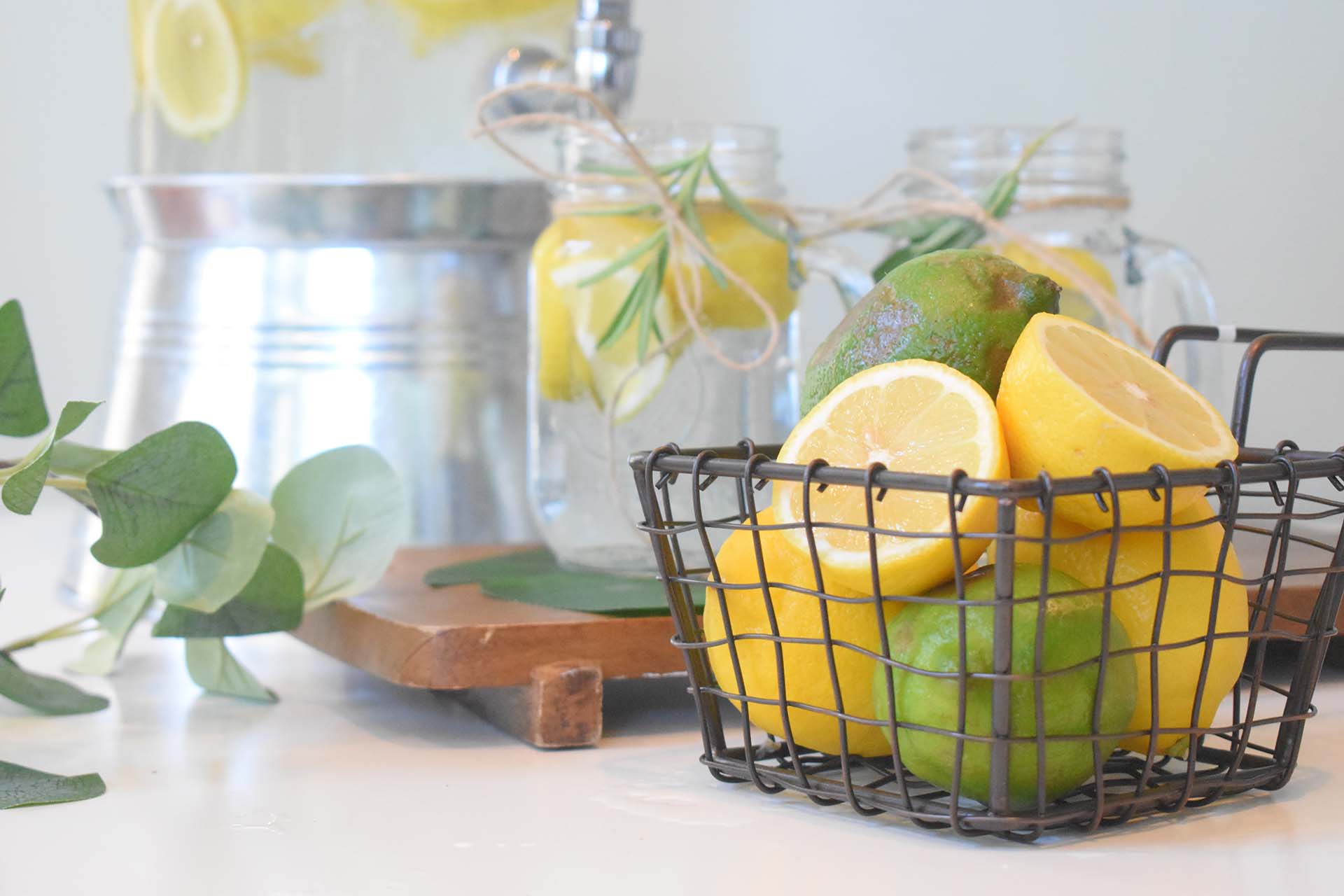
Overlap the lemon block on top of the image below. Position it half on / half off the bottom right hand corner. The lemon block has the class name “lemon-block” and has been set to a width of 25% in the builder. Note that both images have margins removed and are in their own row container (which has a relative tag).


CHALLENGE 2
The Lemonade Stand homepage presents an interesting challenge. It looks a lot like a graphic that we might make in Photoshop, but we need to preserve the capabilities of running a video within the graphic. To do this, we can use the video features of a banner and combine it with absolute positioning. Complete the following tasks:


CHALLENGE 3
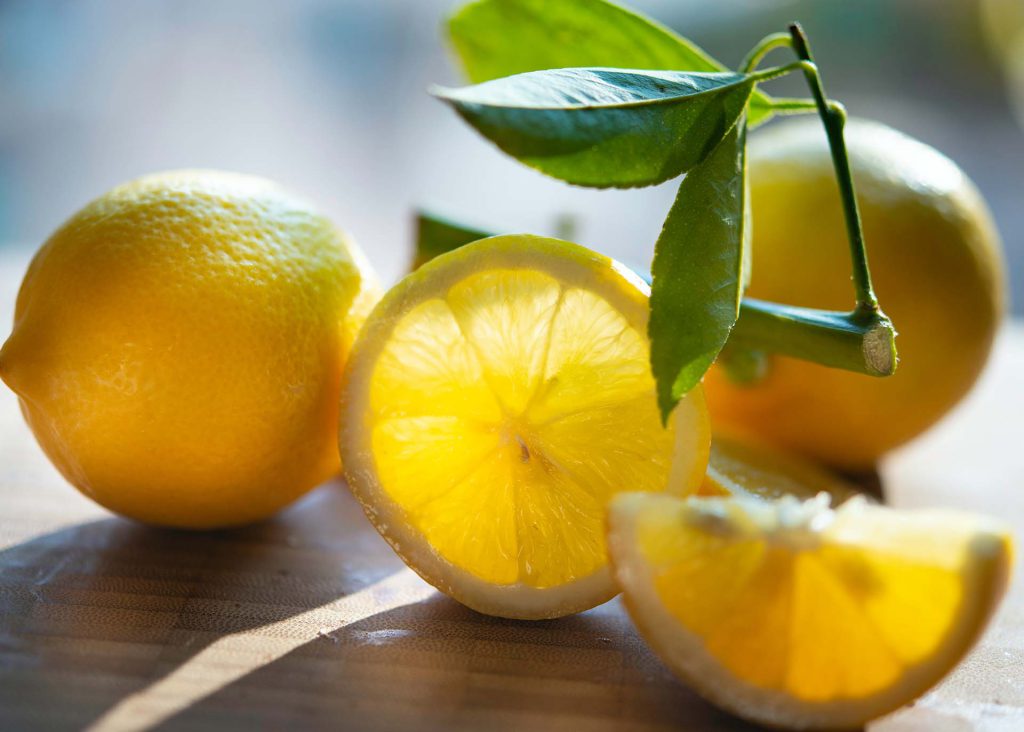
Each card has an empty <a> tag with the class “custom-card-link.” Absolute position this on top of the entire card to create the clickable functionality.
Use the image in the cards as a background (class: lemon-bg). The image should not be visible until you hover. Make a growing effect like on the Lemonade Stand site.
On hover, add a gradient overlay. The gradient code is background:
background: linear-gradient(270deg, rgba(76,115,252,1) 0%, rgba(118,194,208,1) 100%);